
Maker's March '26 Devlog
Friday, April 03, 2026
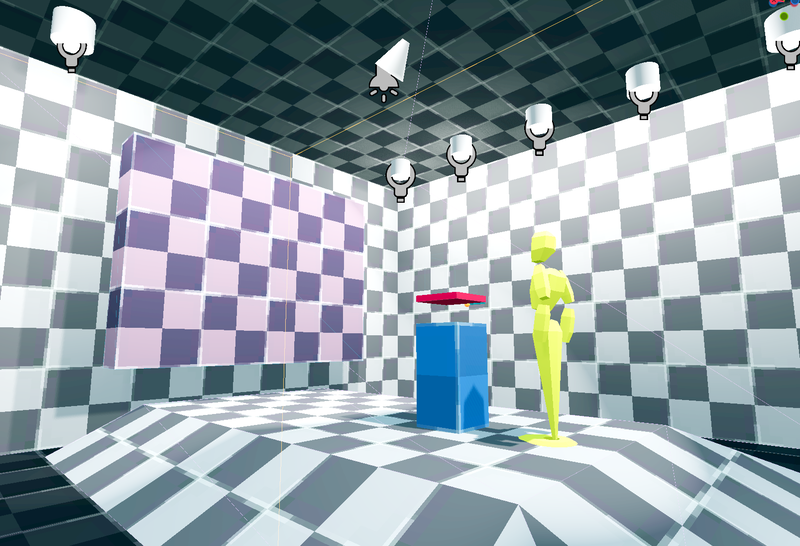
This past week featured sketches, grayboxing, lighting, and haptic feedback implementation.
Accomplishments
Sketch gallery concepts
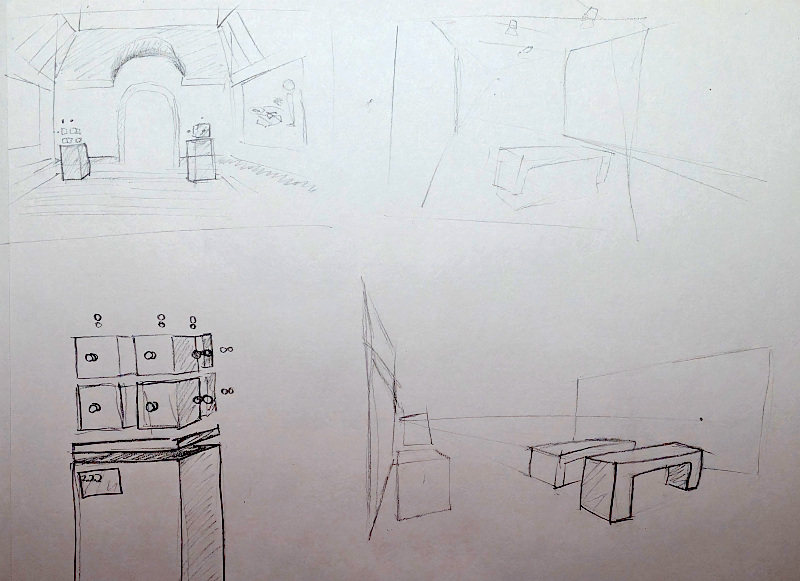
This was more sketching the Welcome Center (tutorial area) than the gallery, but thematically I think the environments are going to be extremely similar. I found a number of gallery images I really liked and used them as a reference to do some quick still-lifes/studies of them.
Graybox Tutorial
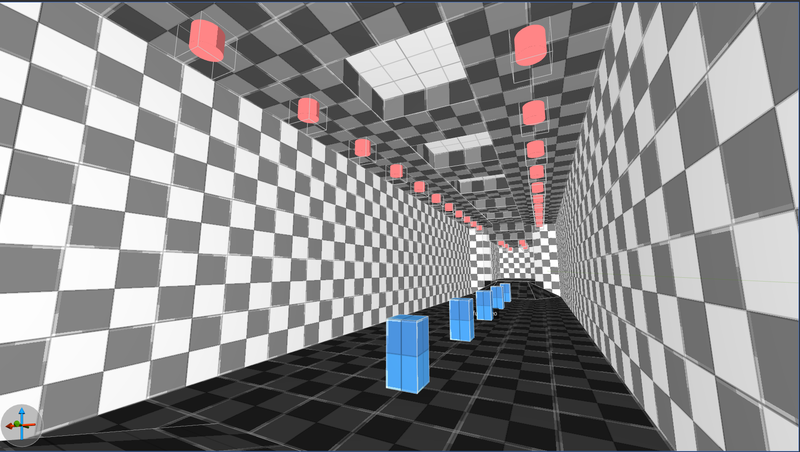
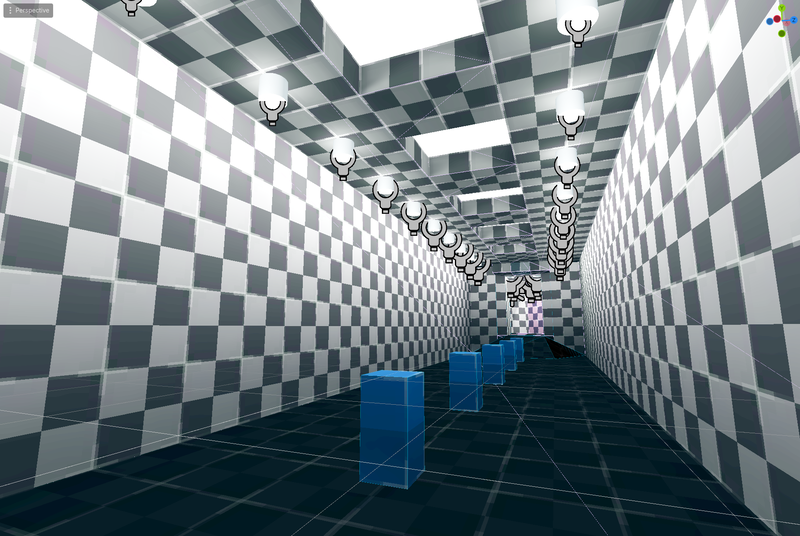
This got me excited about grayboxing, so I skipped ahead on the task list to start block out the tutorial area. While it's not complete yet (I've only mapped up to the first solvable puzzle area), it's already started to get a good feel in terms of navigation and space.
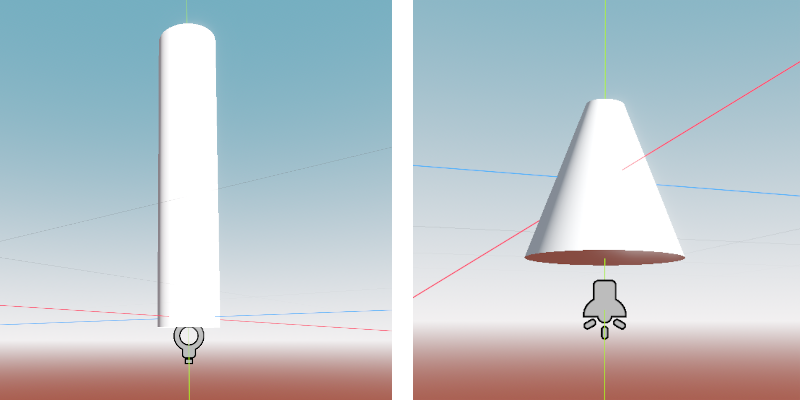
Something I had not thought of until really doing the sketching was how the area will be lit. Historically I've always prototyped "open air" levels. Spaces with no roof (or even walls), allowing the environment lighting to do all the heavy lifting. This was my first time working on an interior, and it's been educational so far. The current map uses a combination of Omni lights, Spotlights, and emmissive materials, all baked inside a LightmapGI. Utilizing FGD entities in Trenchbroom, I was able to create a "can light", "track light", and more general light texture for brushes (the omni, spot, and emmissive material, respectively) built into my prototyping workflow. I'm still manually baking the lightmap every time I modify the map, but a quick
@tool
script should automate that for me.
Haptic Feedback
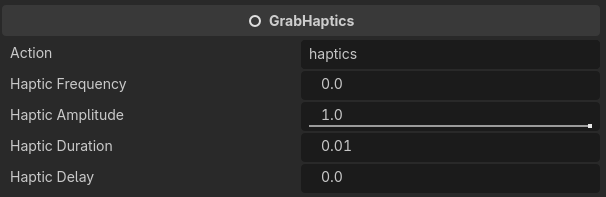
Last night during the virtual work session I hammered out most of the last bit of tasks for the week, which was implementing basic haptic feedback. First was grabbing, which I built using a general Node script
GrabHaptics
that fires off a haptic vibration on the controller grabbing a
Grabbable
node.
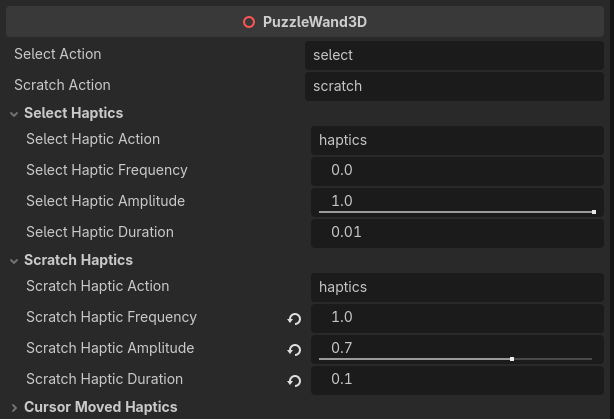
For the Wand, I wanted more response from a number of different events. In addition to adding a
GrabHaptics
node, the Wand script itself got a bunch of configurable haptic responses. There's currently different vibration options for adding voxels, adding/removing scratches, and moving the puzzle cursor between voxel spaces. That last one was way more important than I realized. During testing it really made it feel like I was directly interacting with something tangible instead of just moving a small box around a 3D grid.
Next Up
More grayboxing. Ideally, I'll have the tutorial area complete in the next few days (though this weekend is quite full with other happenings).
After that, I'll be starting work on the tutorial area graphics. I want to visually present the player with how navigation and puzzle interaction works in the game, avoiding things like text or spoken dialog. This might be the hardest thing to get right (especially around how puzzle interaction works), so most of the time working will be spent on these.
Lastly, I'll be creating the actual tutorial puzzles. This includes the static "sculpture puzzles" that will be on display in the tutorial area, seen by the player ahead of the first interactable puzzle.